


Desk essentials, intelligently arranged.
Stands, organization tools and work-surface accessories for a clear everyday desk.
-
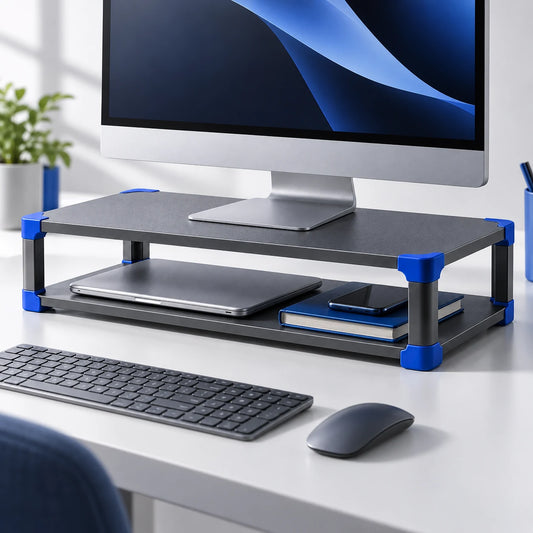
Stackable Monitor Riser
Regular price $36.95Regular price $36.95 Sale priceUnit price per -
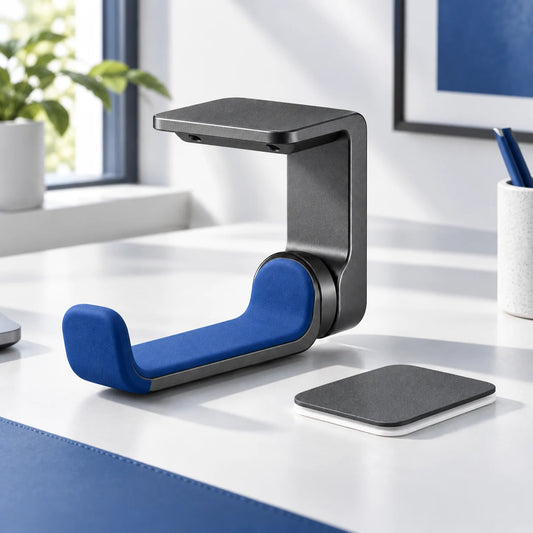
Under-Desk Headphone Hanger
Regular price $18.95Regular price $18.95 Sale priceUnit price per -
Webcam Privacy Slider Set
Regular price $13.95Regular price $13.95 Sale priceUnit price per -
Structured Tech Organizer Pouch
Regular price $24.95Regular price $24.95 Sale priceUnit price per -
Screen Cleaning Kit
Regular price $18.95Regular price $18.95 Sale priceUnit price per -
Extended Desk Mat
Regular price $29.95Regular price $29.95 Sale priceUnit price per -
Silicone Cable Clip Set
Regular price $16.95Regular price $16.95 Sale priceUnit price per -
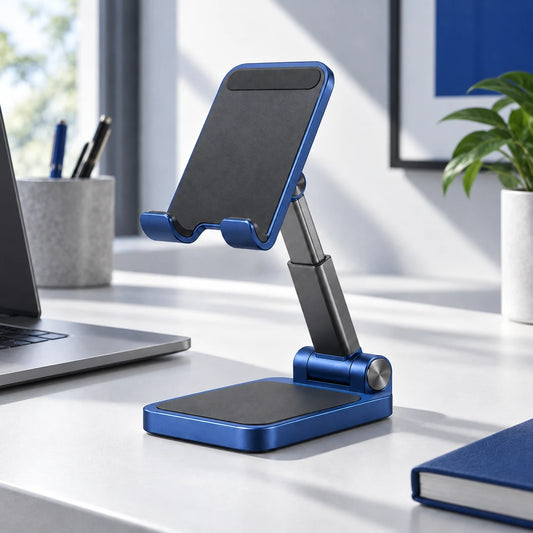
Compact Folding Phone Stand
Regular price $19.95Regular price $19.95 Sale priceUnit price per












Make the workspace feel lighter and easier to use.
Explore device stands, cable organization, screen tools and work-surface accessories with clear fit guidance.
Here to help
Frequently asked questions.
How do I choose the right item for my phone, tablet & desk setup accessories routine?
How do I choose the right item for my phone, tablet & desk setup accessories routine?
Start with the intended use, then compare dimensions, compatibility, what is included and the fit notes on the product page before ordering.
What is included with each item?
What is included with each item?
Every product page includes a dedicated What’s Included section. The gallery overview is arranged so the pieces in a set can be counted before you choose.
Where can I find setup and care guidance?
Where can I find setup and care guidance?
Open the setup and care sections below the buying area on the relevant product page. Follow the supplied guidance and stop using any damaged item.
Do I need an account to place an order?
Do I need an account to place an order?
If guest checkout is available when you order, you can complete checkout without creating an account. The options currently available will be shown during checkout.
Which payment methods can I use?
Which payment methods can I use?
Available payment methods are displayed securely at checkout and can vary by location or device. Choose from the methods shown there.
What currency are prices shown in?
What currency are prices shown in?
Store prices are shown in US dollars unless the storefront or checkout clearly displays another currency. Your card issuer may apply its own conversion terms.